Building Your First Cut in Premiere Pro: A Step-by-Step Guide
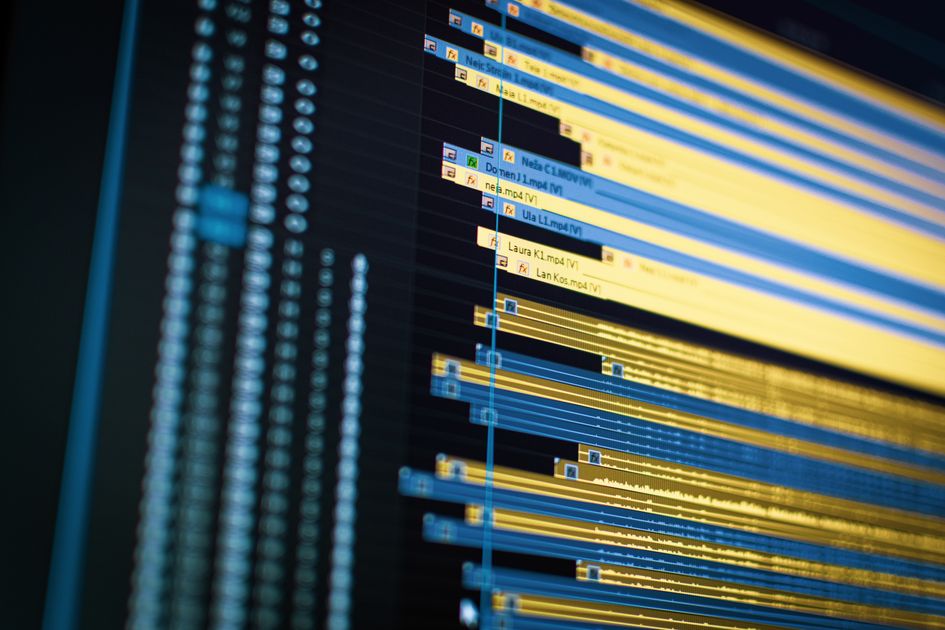
The first cut is the most important cut. Here is a step-by-step walkthrough of how to build one from interview footage inside Premiere Pro.
18 articles
Workflows, sequences, and shortcuts built for Adobe Premiere Pro.

The first cut is the most important cut. Here is a step-by-step walkthrough of how to build one from interview footage inside Premiere Pro.

Text-Based Editing changed how editors navigate interviews — but it was never designed to build stories. Here's what happens when ripple deletes, multicam dependencies, and structural revisions expose its limits.

Most editors open Premiere and start trimming. Professional documentary editors build the story first. Here is the complete workflow — from organizing footage through transcript review, story assembly, and final cut.

AI is changing Premiere Pro — but not by replacing editors. Here is a complete guide to which AI tools actually work inside professional workflows, where they fall short, and how to use them to spend more time on storytelling.

Learn not only how to transcribe video in Premiere Pro, but how professional editors use transcripts to organize interviews, discover stronger narratives, and build rough cuts more efficiently.

Understand why Premiere Pro transcription fails, how to fix the most common errors, and how to build a workflow that prevents problems before they occur.

Becoming a faster editor isn't primarily about clicking faster—it's about making fewer unnecessary decisions. These 25 Premiere Pro tips cover the workflow habits professional editors use every day.

Text-Based Editing changed where documentary editing begins. This complete guide covers the professional transcript-first workflow, common mistakes, and where Premiere reaches its limits.

Premiere Pro is where editorial decisions become visual decisions. Here is a professional interview editing workflow that separates story discovery from execution.

Transcript accuracy matters, but not the way most editors assume. Here is what actually affects Premiere Pro transcription quality and when precision becomes editorial confidence.

Supporting a language and supporting an editorial workflow aren't always the same thing. Here's what editors need to know about Premiere Pro's transcription language support.

A good transcript is only the beginning. Here are the best practices for using Premiere Pro transcripts to support story discovery, not just speech-to-text.

Shortcuts don't create faster editors. The biggest gains come from reducing decisions, not pressing keys faster. Here are the Premiere Pro transcript shortcuts that matter.

You're not editing text. You're editing the story through the text. Here's how professional documentary editors use Premiere Pro's transcript editing to build stronger narratives.

Generating a transcript is only the first step. The real editing work begins when editors compare interviews, identify recurring themes, and discover the narrative hidden across conversations.

Most Premiere Pro transcript mistakes aren't technical. They're editorial. Here are the 10 most common mistakes editors make after the transcript is generated — and how professionals avoid them.

A transcript and Text-Based Editing are not the same thing. One makes dialogue searchable. The other makes it editable. Here is the difference and why it matters.

A transcript is only the first layer. Here is the complete guide to Premiere Pro transcription—how to generate, edit, and use transcripts for interview editing, and what comes after searchable text.
See how Supacut generates a structured Premiere Pro sequence from your interviews.